Waveforms
There are a few, very useful, assist tools missing from most hybrid cameras but common in cinema cameras. They are also common in video monitors or monitor/recorders, so hybrid camera shooters can avail themselves of them. O course, that reduces the price gap between hybrid and cinema cameras and can make hybrid cameras more unwieldy.
Waveforms displays and RGB Parades are similar to histograms.
Histograms have 2 axes. Horizontal values range from 0 to 100# of brightness, and the vertical axis is a count of pixels at a brightness level. The vertical axis is usually normalized so that the highest count is at the top of the graph.
In a waveform display, the horizontal axis denotes the image from left to right, while the vertical axis shows pixel brightnesss at that location on the screen. The picture below shows a monitor attached to a cinema camera. Although the camera has built-in waveform, I’m using the monitor because it will also show a histogram for comparison. This would be something one could add to a hybrid camera.

Bottom left is the scene being captured,
Bottom right is a photographic histogram
Across the top is an RGB Waveform.
Notice that the histogram does show that here is an overexposed area (but not where that area is or by how much)
The waveform shows much more information:
– you can see each pixel brightness at each location across the image.
– you can see ALL of the brightness being captured at each location.
– In this case, you can see which are R, G, or B pixels. The difference in levels gives a hint at colour.
– If more colour information is desired, then this single waveform can be divided into 3 separate ones (and R,G,and B waveform). This is called an RGB Parade
– This display is shown in % but you can also choose to show the brightness value in IRE. Specific IRE values correspond to specific levels of gray.
If you only have one monitor, or are using the camera’s screen, the waveform can be shown over a corner of the image if desired.
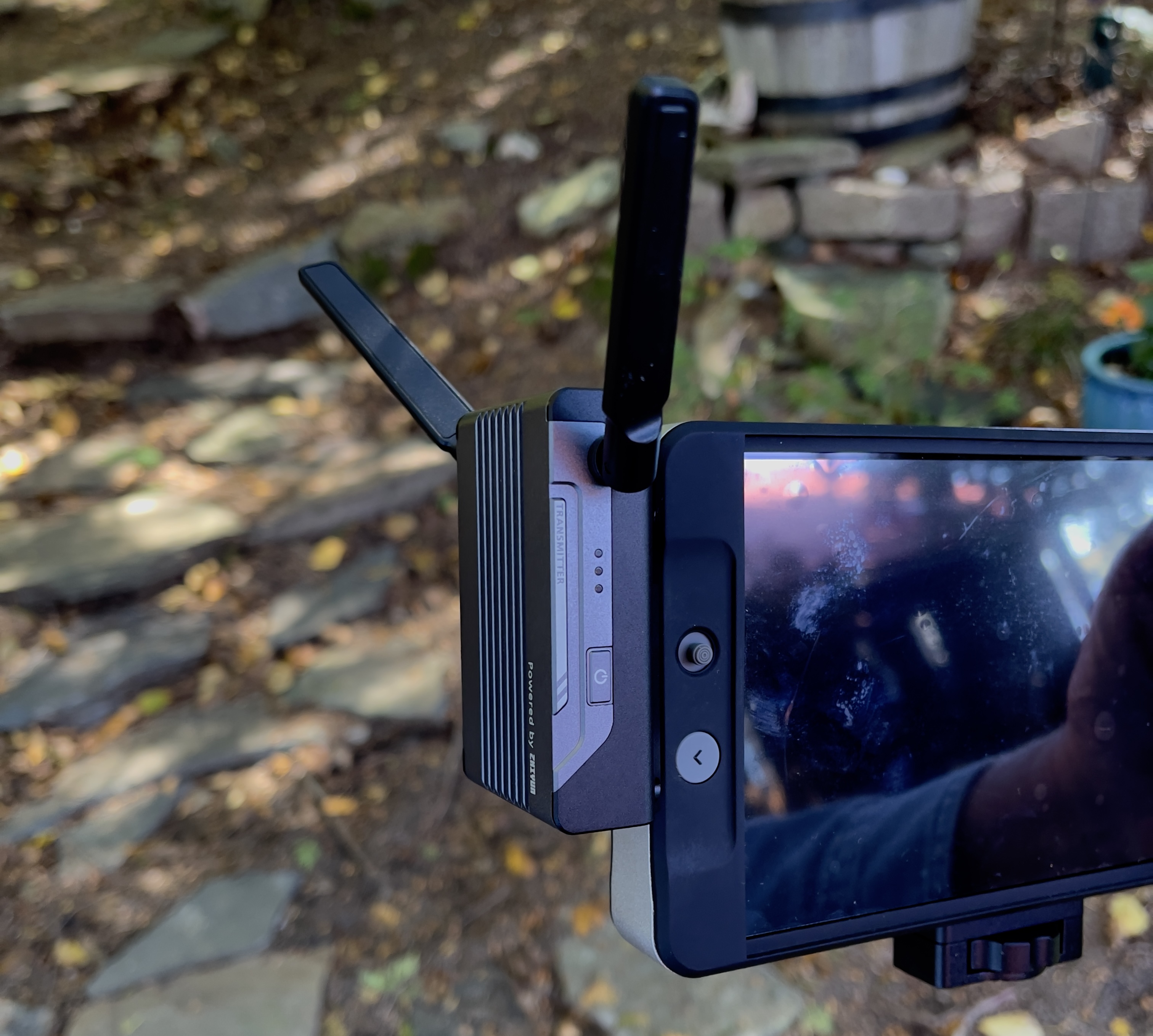
For on-set use, I normally shoot with multiple monitors and also add a wireless video transmitter. This particular one can transmit to several mobile devices without needing a receiver and is a very inexpensive solution.
That approach gives the director and script supervisor access to the image without crowding.
It is also possible to transmit to a ‘video village’ with a large monitor in a separate room using transmitter/receiver pairs.
In less formal settings having an additional, large, monitor that can be set to show what the finished result will look like can be helpful.
 Parquin Cinematography